
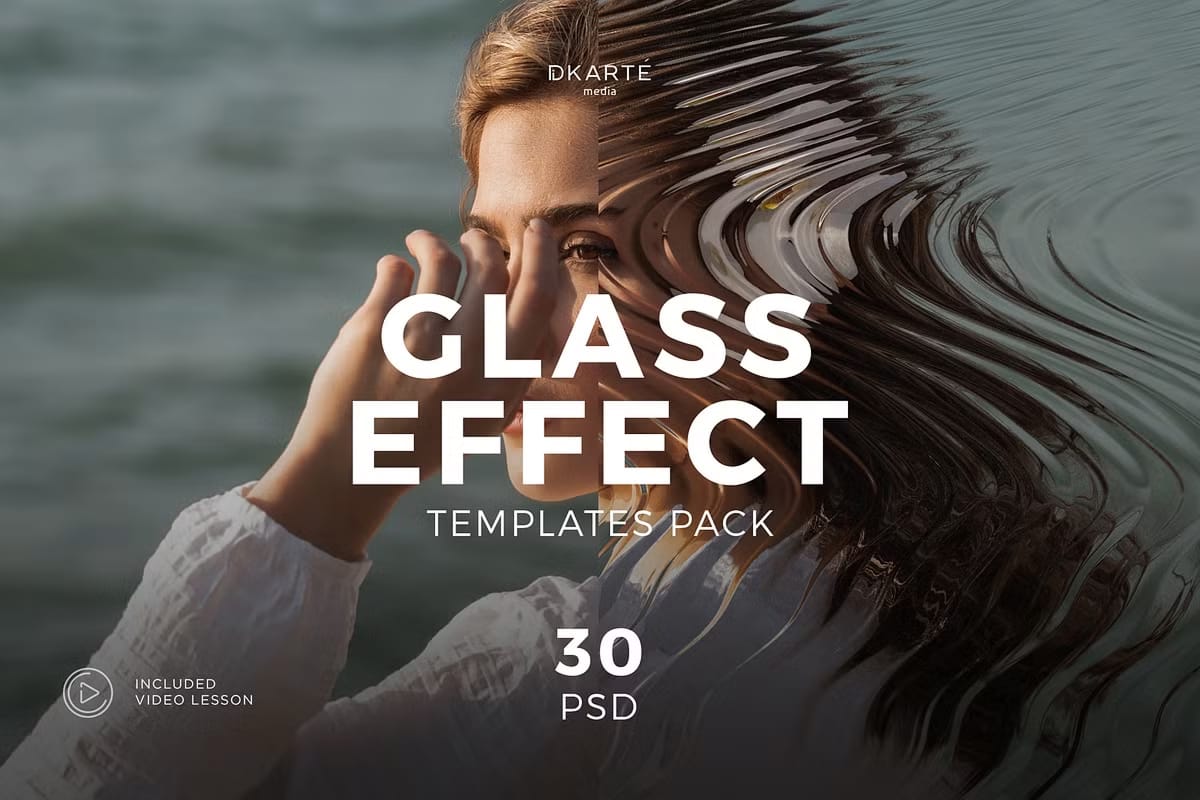
Create Stunning Visuals with Ease
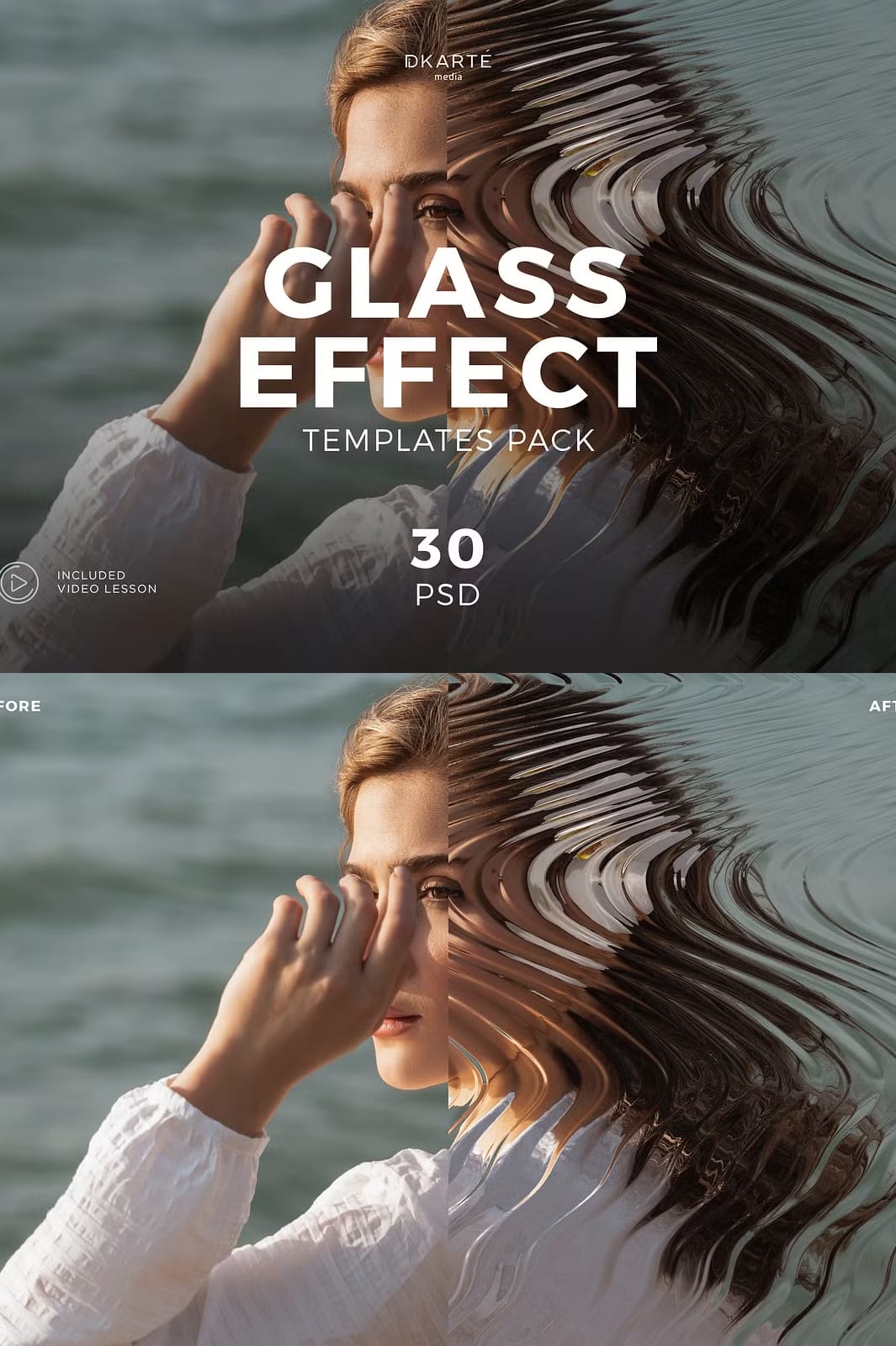
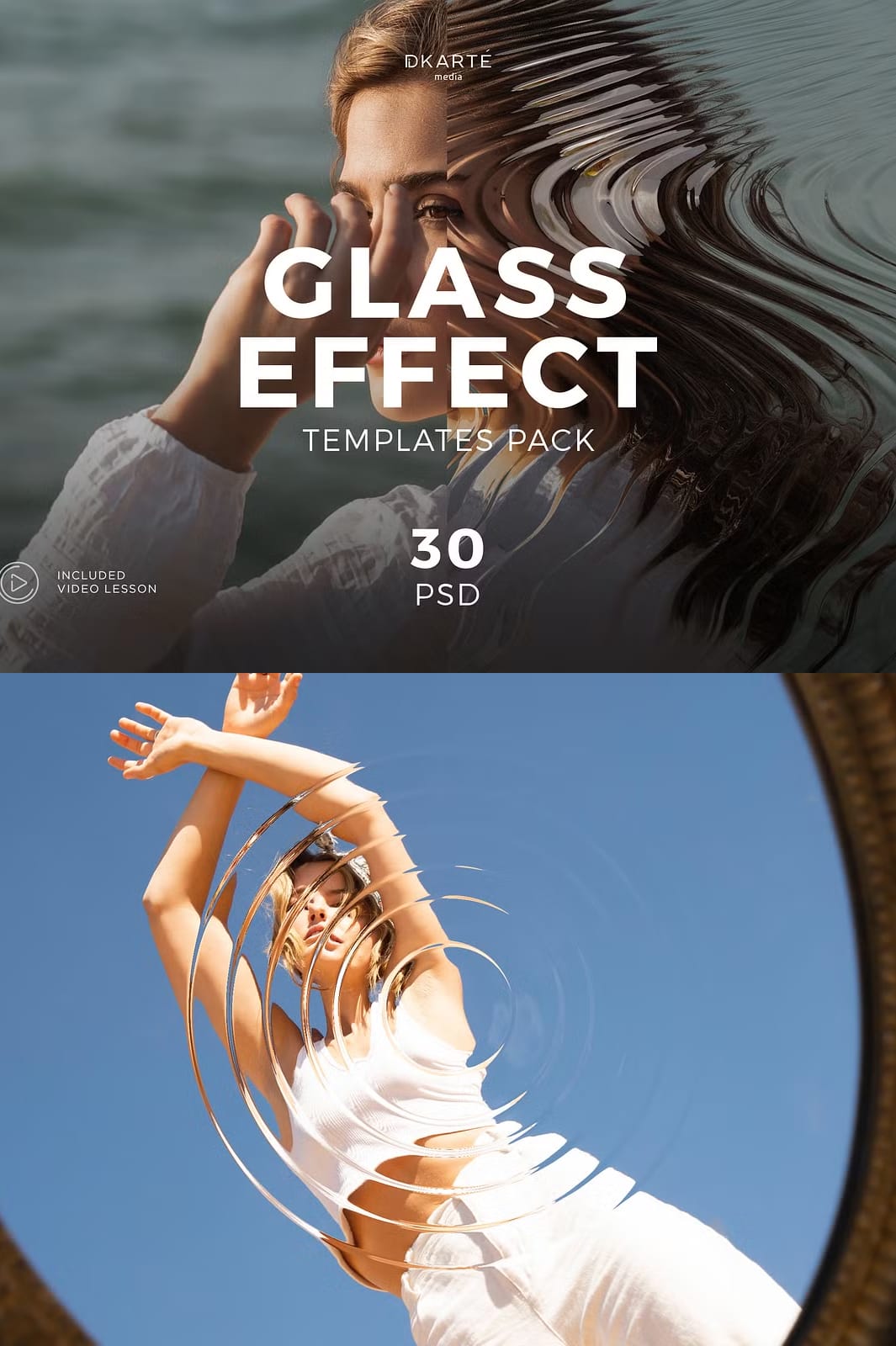
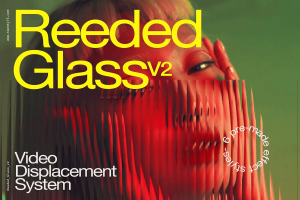
Elevate your design projects instantly with the premium Glass Refraction Effects collection. These high-quality Photoshop effects allow you to add sophisticated glass distortion elements to any artwork with just a few clicks. Whether you’re designing eye-catching social media posts, professional brochures, or modern posters, these effects will give your work a distinctive edge that stands out from the competition.
Why Glass Refraction Effects Are Essential for Modern Design
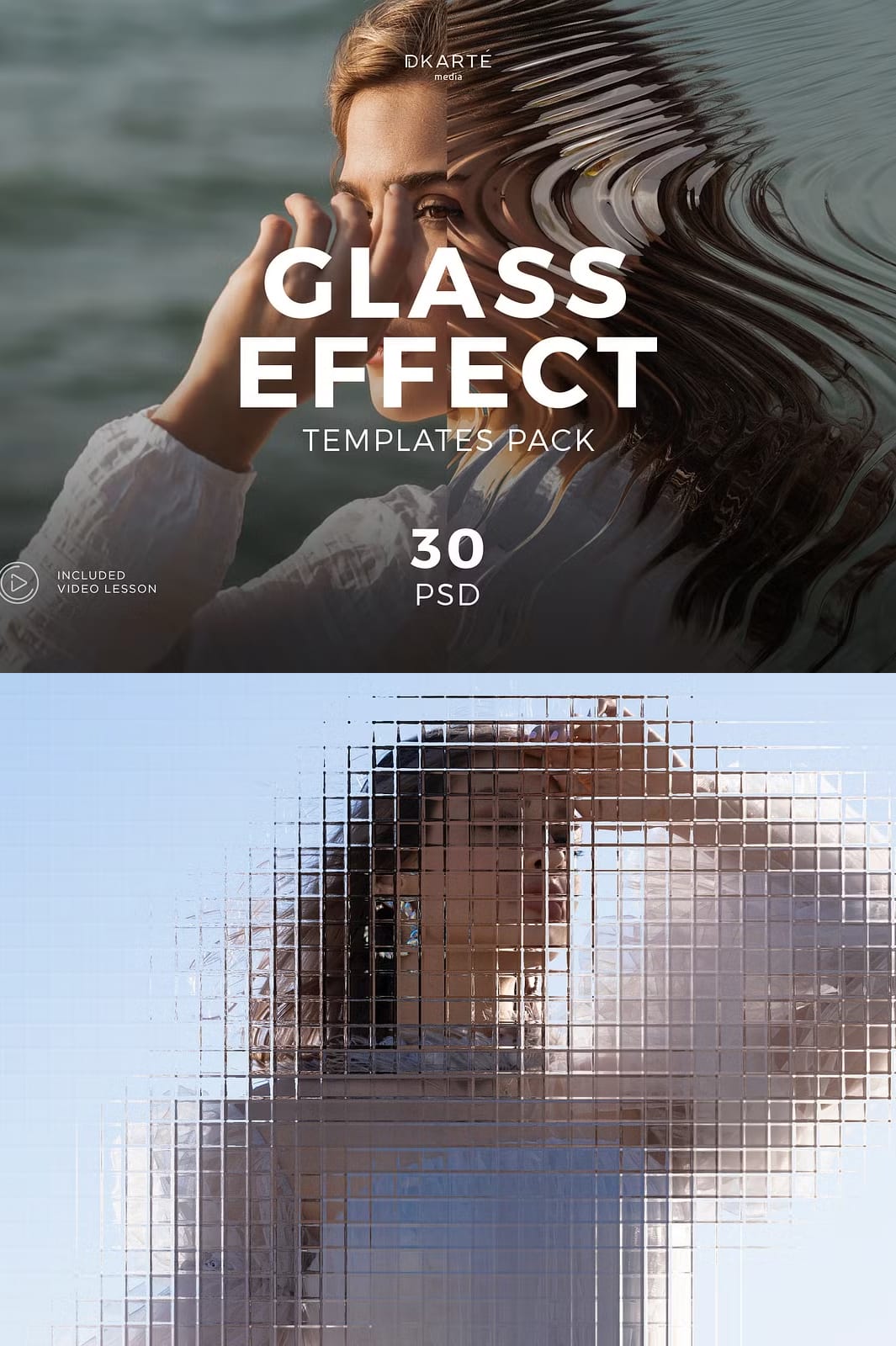
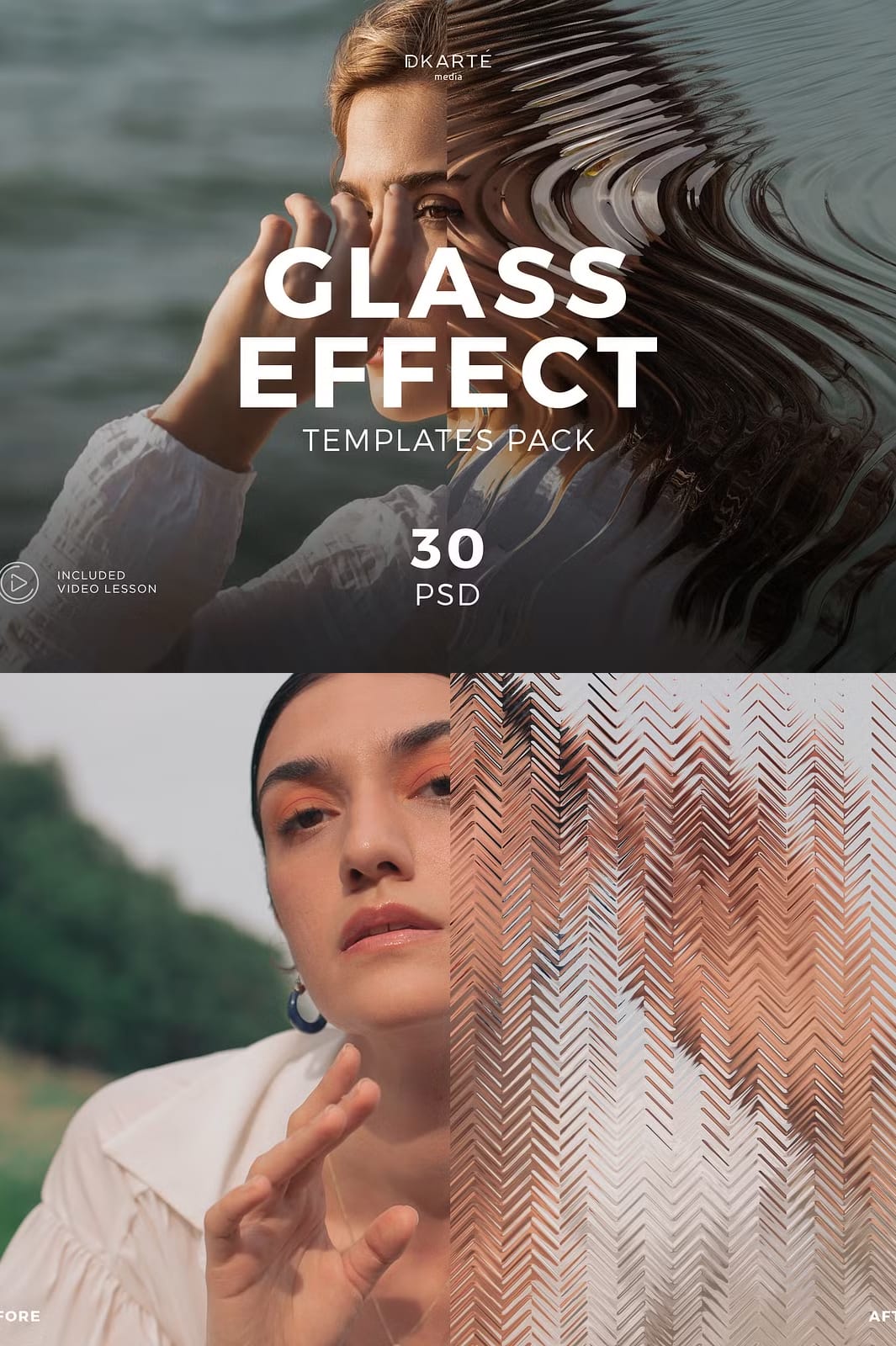
Glass refraction creates a visually striking distortion effect that mimics light passing through glass surfaces. This technique adds depth, dimension, and professional polish to any design. Our carefully crafted effects make this advanced technique accessible to designers of all skill levels, eliminating the need for complex manual creation in Photoshop.
Key Benefits of Our Glass Refraction Effects
- Instant professional results: Achieve high-end glass distortion effects without hours of manual work
- Beginner-friendly: Simple to use even if you’re new to Photoshop
- Fully customizable: Easily adjust the intensity and style of each effect
- Versatile applications: Perfect for social media graphics, print materials, branding projects, and more
- Time-saving solution: Complete projects faster with ready-to-use professional effects
What’s Included in the Collection
This comprehensive package provides everything you need to implement stunning glass refraction effects immediately:
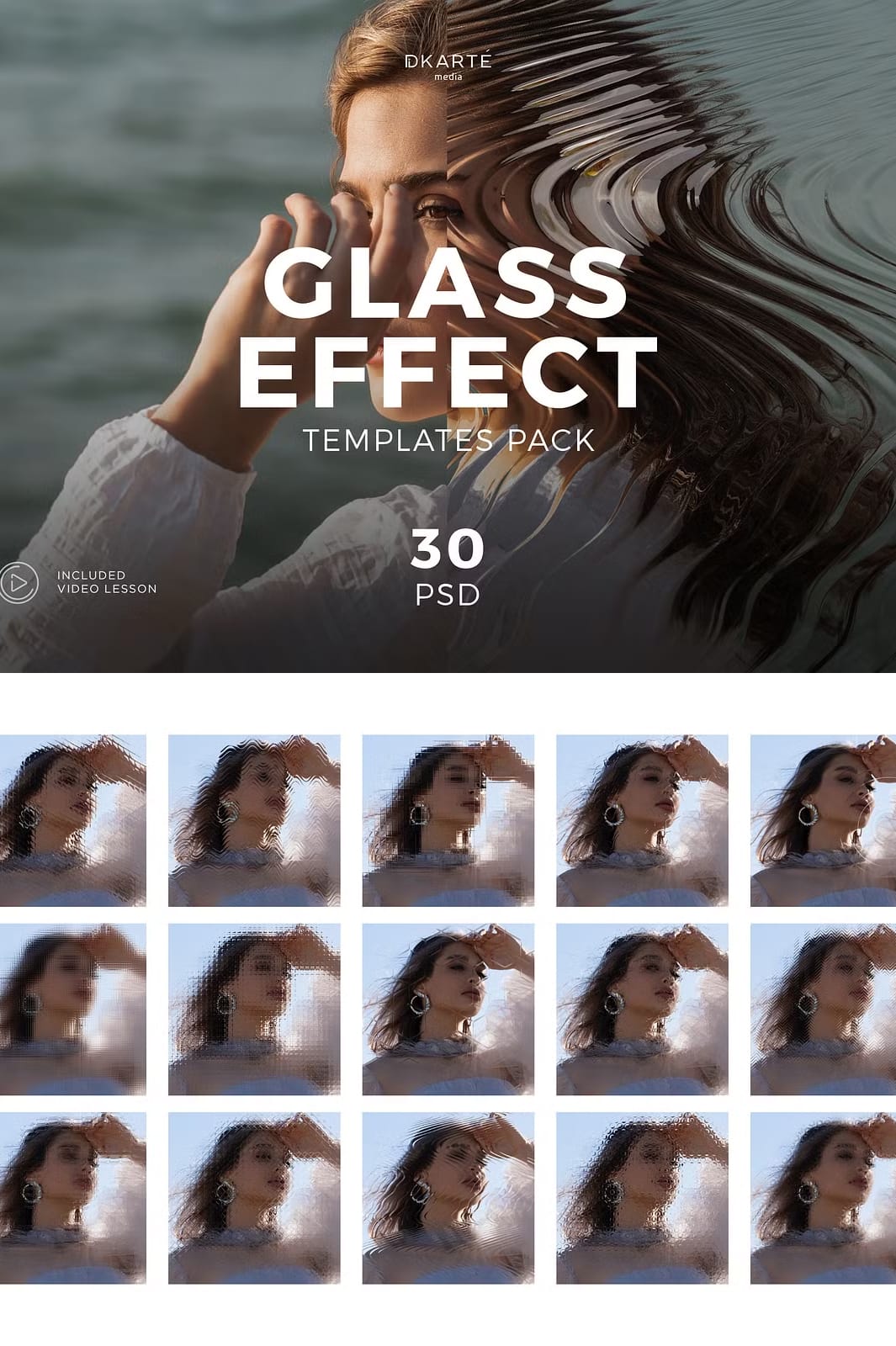
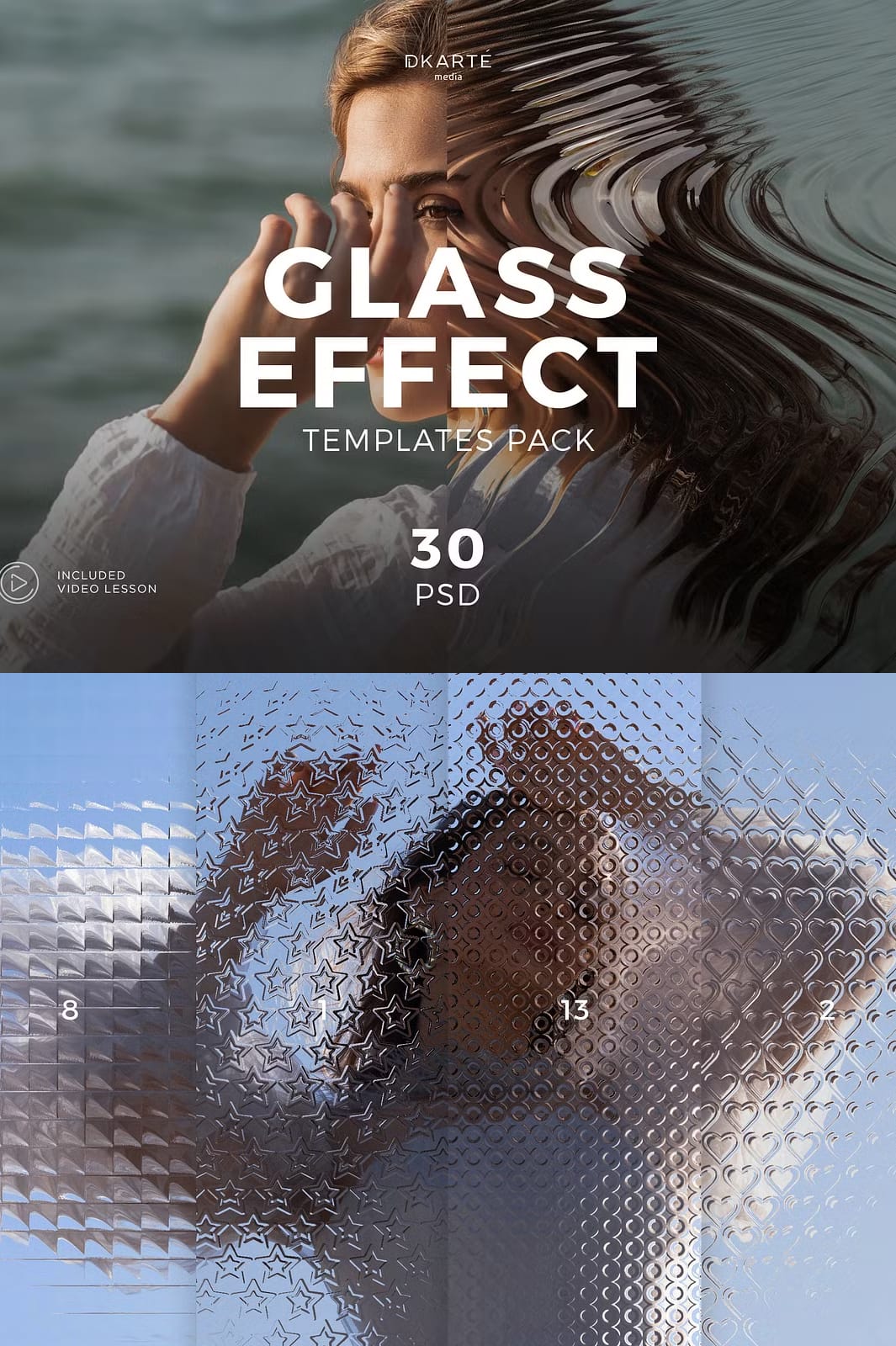
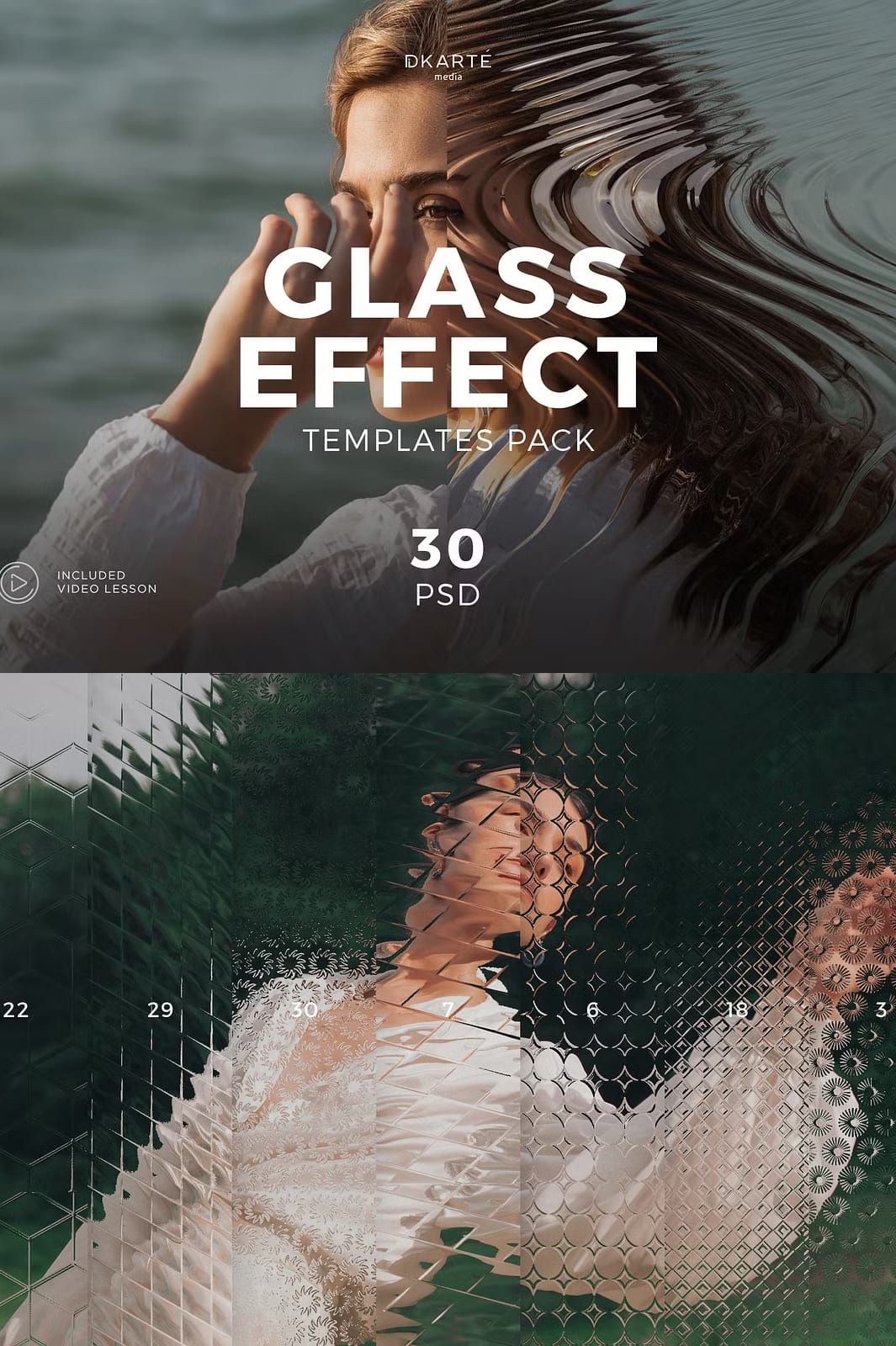
- 30 high-quality Photoshop files (PSD): Each file contains carefully crafted glass refraction effects with multiple layers for complete customization
- Detailed video tutorial: Step-by-step guide showing exactly how to apply and customize the effects for your specific projects
- Organized layers: All PSD files feature clearly labeled layers for easy navigation and adjustment
- Non-destructive editing: Smart Objects and adjustment layers allow for flexible modifications without quality loss
How to Use These Glass Refraction Effects
The included video tutorial makes the process incredibly simple:
- Open your base image in Photoshop
- Drag and drop the desired glass refraction effect PSD file
- Position and resize the effect to fit your composition
- Customize the intensity using the provided adjustment layers
- Save your enhanced image with professional glass effects
Perfect for Various Design Applications
These glass refraction effects work beautifully for:
- Social media graphics: Make your posts stand out with unique visual effects
- Print materials: Add depth and interest to brochures, flyers, and posters
- Product presentations: Create striking visuals for e-commerce and advertising
- Branding projects: Incorporate modern glass effects into logos and visual identities
- Digital artwork: Enhance illustrations and digital paintings with dynamic refraction textures
Experience the Future of Design Today
With the Glass Refraction Effects pack, you get immediate access to professional-grade effects that elevate your work to new heights. Designed with creativity and ease in mind, this collection empowers you to produce polished, modern designs with minimal effort and maximum impact.


Leave a Comment