
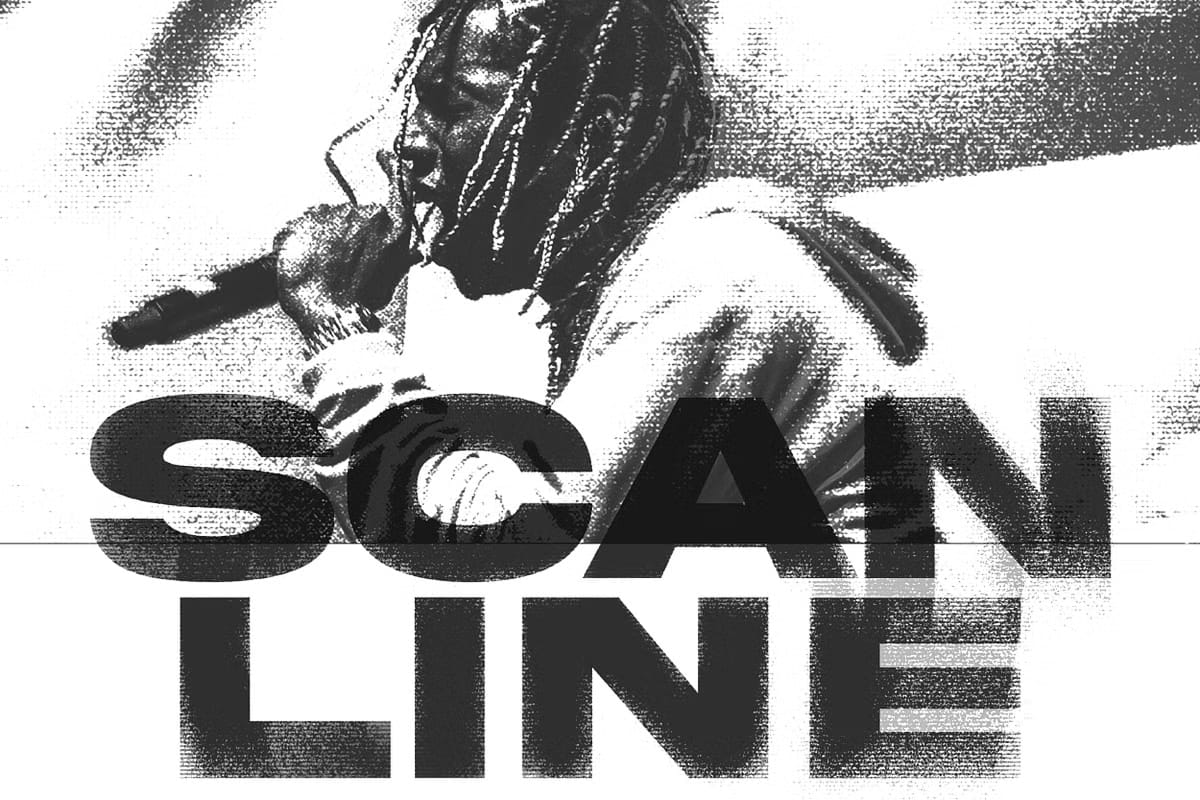
Transform Your Designs with Authentic Print Scanline Textures
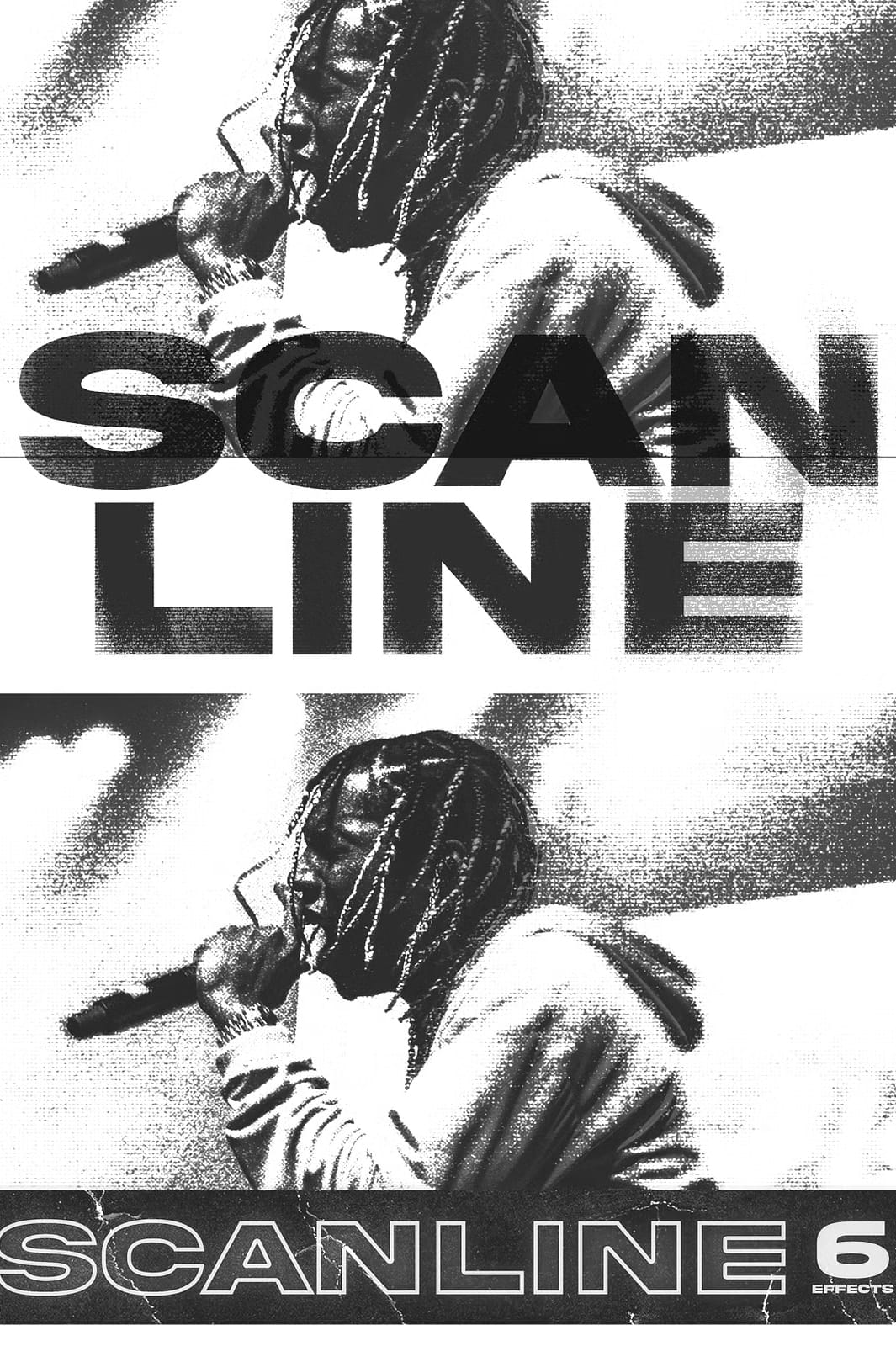
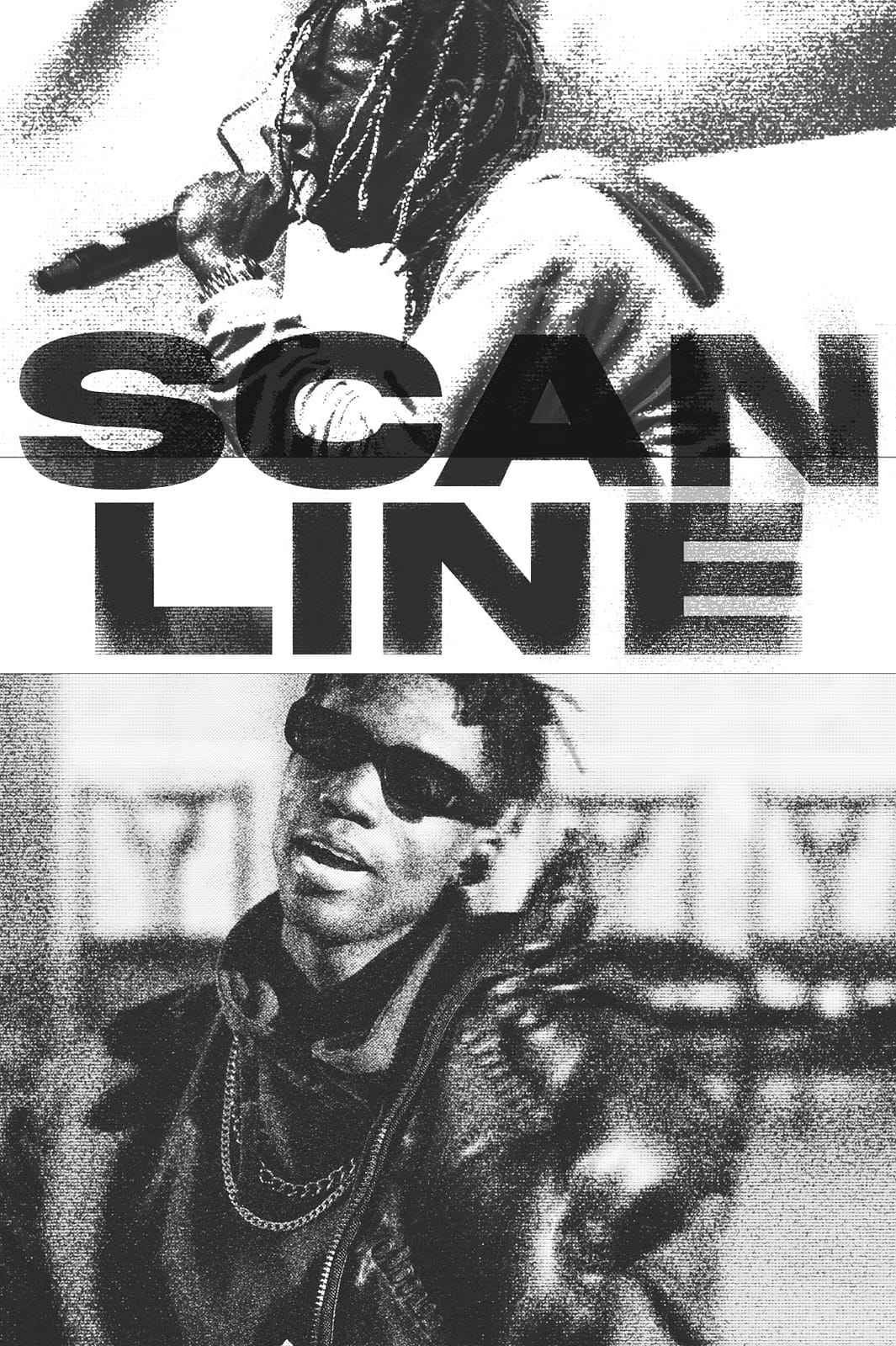
Elevate your digital artwork instantly with the premium Print Scanline Effect collection. This powerful Photoshop resource delivers six distinct scan line patterns that recreate the authentic look of printed materials with remarkable precision. Whether you’re working on photo enhancements, text effects, or graphic designs, these high-quality scan lines will add depth, texture, and professional polish to your projects with just one click.
Why Print Scanline Effects Are Essential for Designers
Print scan lines create that distinctive halftone pattern seen in newspapers, magazines, and vintage prints. Our carefully crafted effects capture this aesthetic perfectly, allowing you to achieve professional results without complex manual techniques. The included gradient maps provide additional creative control, letting you customize the look to match your specific design needs.
Key Benefits of Our Print Scanline Effects
- Six unique effects: Choose from a variety of scan line intensities and patterns
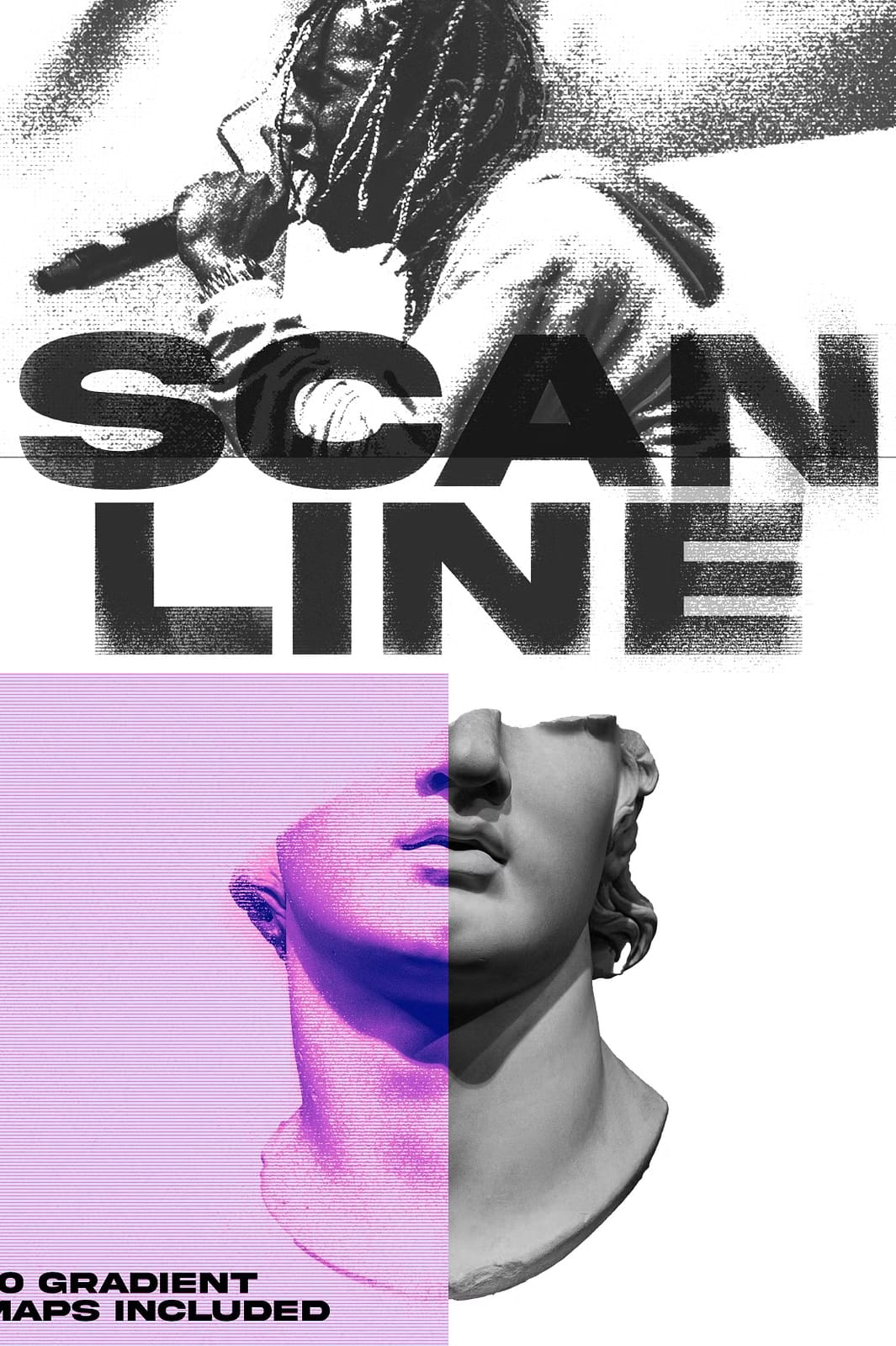
- 10 gradient maps included: Easily customize the color and tone of your effects
- High-resolution quality: 3000×4000 PSD files ensure crisp results at any size
- Beginner-friendly: Simple drag-and-drop functionality with included quick guide
- Time-saving solution: Achieve professional effects in seconds rather than hours
What’s Included in the Collection
This comprehensive package provides everything you need to implement stunning print scan line effects immediately:
- High-quality PSD file (3000×4000): Ample resolution for both print and digital projects
- 6 distinct print scanline effects: Variety of patterns and intensities for different applications
- 10 professionally crafted gradient maps: Expand your creative options with versatile color treatments
- Quick usage guide: Clear instructions for applying effects to your projects
- Non-destructive workflow: Smart Objects and adjustment layers preserve your original artwork
How to Use These Print Scanline Effects
The included quick guide makes the process incredibly simple:
- Open your image or design in Photoshop
- Drag and drop the desired scan line effect onto your composition
- Adjust blending modes and opacity for perfect integration
- Apply gradient maps to customize the color treatment
- Save your enhanced image with professional scan line effects
Perfect for Various Design Applications
These print scan line effects work beautifully for:
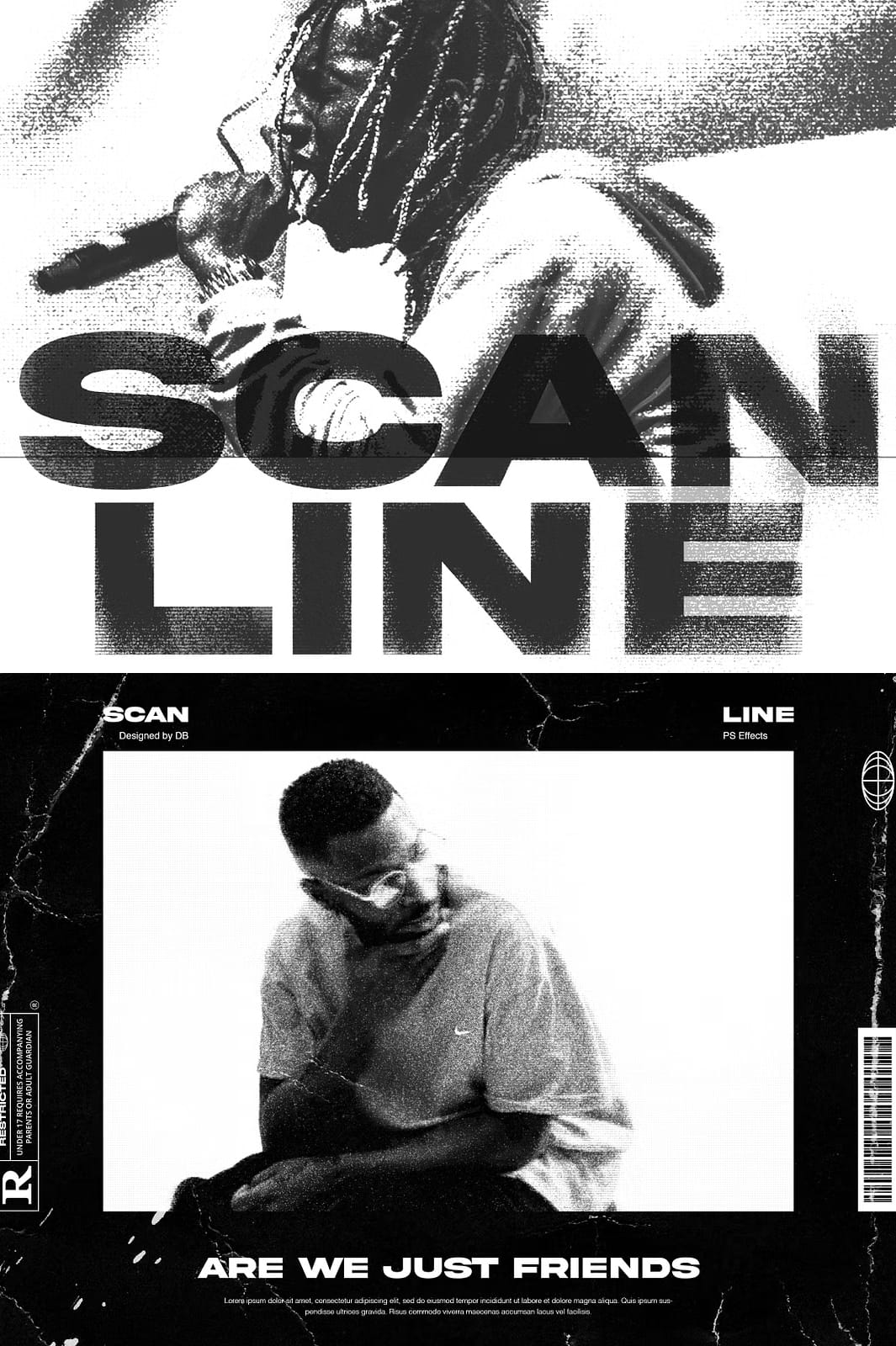
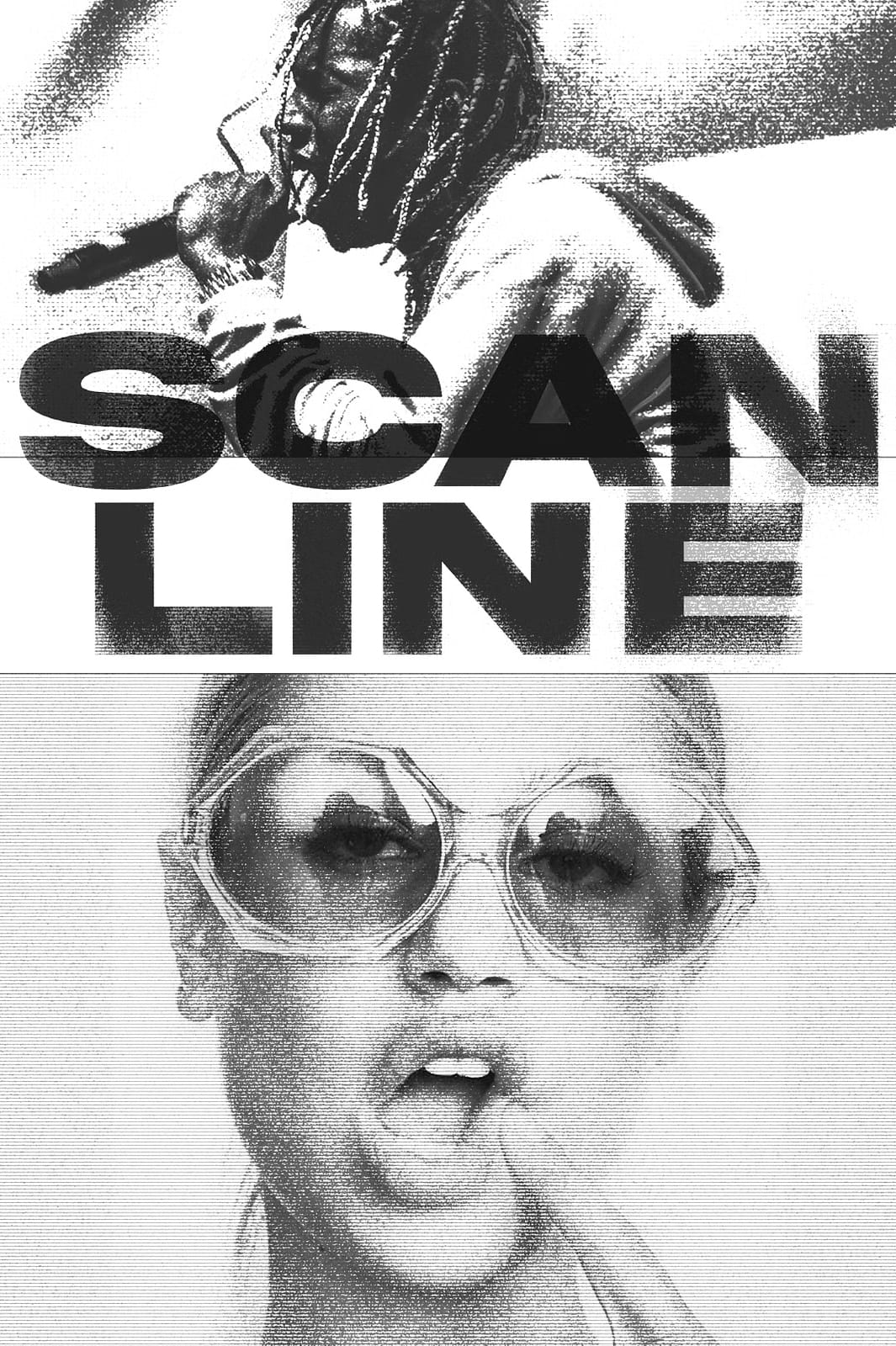
- Photo editing: Add vintage character to portraits and landscapes
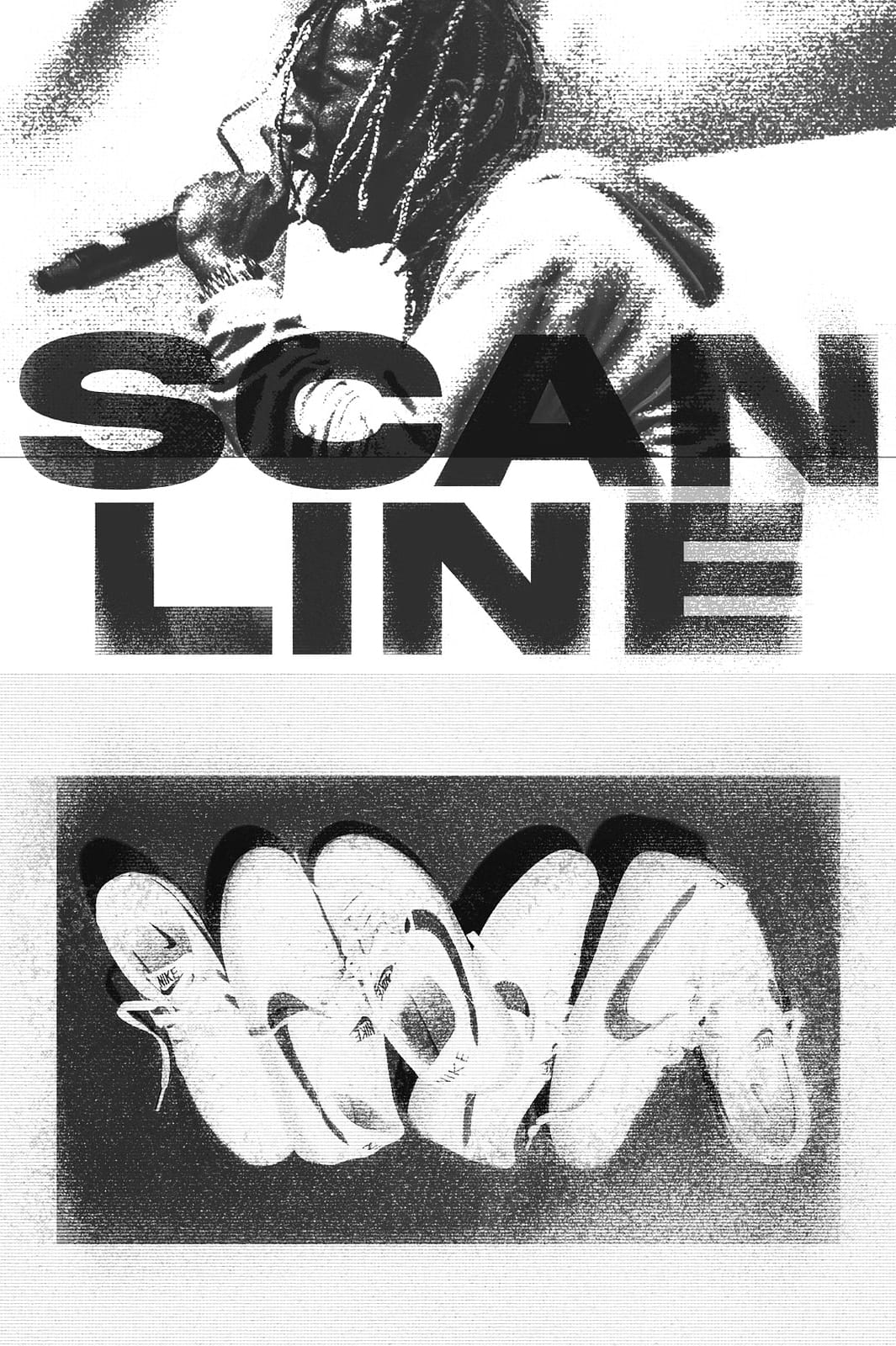
- Text effects: Create eye-catching typography with printed texture
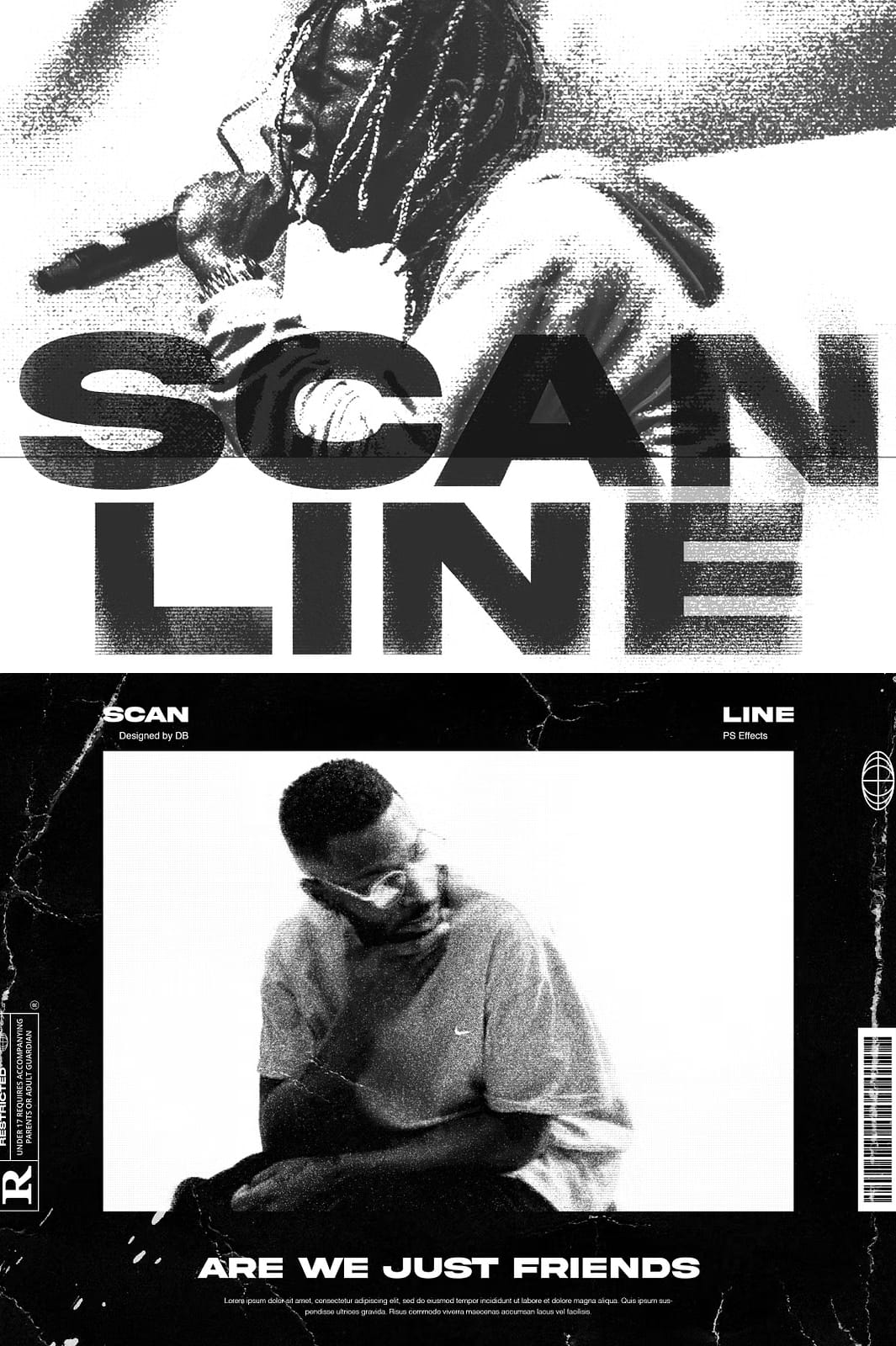
- Graphic design: Enhance posters, album covers, and branding materials
- Social media content: Make your posts stand out with unique textures
- Web design elements: Add depth and interest to headers and backgrounds
Experience the Power of Professional Print Effects
With the Print Scanline Effect collection, you unlock the ability to enhance your creative projects with authentic printed textures that captivate and engage your audience. Designed for designers of all skill levels, these effects blend ease of use, versatility, and high-quality results that can transform your artwork within minutes.



Leave a Comment